Best Smart Ceiling Fan Switches (2026): Wall Controls Compared
Smart ceiling fan wall switches from Lutron, Leviton, Kasa, Inovelli and GE Cync compared: neutral wire, hub, fan and light control, 3-way and voice.
By Cool Ceiling Ideas editorial teamUpdated 8 min read
Our picks at a glance
- Check price on Amazon
Best overall
Lutron Caseta Smart Fan Speed Control
Works as a normal 4-speed wall control even without its hub, with Pico remotes for extra locations.
- 4 speeds, 1.5 A
- Neutral required
- Caseta Smart Hub for app
- Check price on Amazon
Best no-hub with Matter and 3-way
Leviton Decora Smart Fan Speed Controller D24SF
Wi-Fi with no hub, Matter after a firmware update, HomeKit, and wired or wire-free companions for 3-way setups.
- 4 speeds, 1.5 A
- Wi-Fi, no hub
- Matter via update
- Check price on Amazon
Best fan and light in one switch
Kasa Smart Ceiling Fan Control and Dimmer KS240
One switch runs 4 fan speeds and dims the light, with HomeKit, Alexa and Google and no hub.
- Fan + light dimmer
- Wi-Fi, no hub
- ETL listed
- Check price on Amazon
Best for Home Assistant and Hubitat
Inovelli Blue Series Fan Switch VZM35-SN
Zigbee switch rated 2.5 A for up to two fans, and it can run without a neutral wire (with a speed caveat).
- 3 speeds, 2.5 A
- Zigbee hub needed
- Neutral optional
- Check price on Amazon
Budget pick (check stock)
GE Cync Smart Ceiling Fan Switch
The cheapest name-brand Wi-Fi fan switch in our research, for fans of 80 W or less.
- Fans up to 80 W
- Wi-Fi, no hub
- 3-year warranty
Prices change often; Amazon shows the current price. As an Amazon Associate, Cool Ceiling Ideas earns from qualifying purchases.
The short answer: for most AC ceiling fans with a neutral wire at the switch, a Lutron Caseta Smart Fan Speed Control is the most dependable smart ceiling fan wall switch, and the Leviton D24SF is the pick if you want Wi-Fi without a hub, Matter or a 3-way setup. If you want one switch for both the fan and the light, look at the Kasa KS240. One rule applies to every switch here: none of them controls a DC-motor fan.
A smart fan switch replaces your wall switch and adds speed control from the wall, an app and voice assistants. It only works if your wiring, your fan’s motor and your smart-home setup all line up, so check those first.
How we chose
We compared the smart fan switches documented on manufacturers’ own pages, datasheets and manuals: Lutron, Leviton, TP-Link Kasa, Inovelli, GE Cync and Treatlife. We looked at motor compatibility, neutral and hub requirements, load limits, light control, multi-location support and which voice and smart-home platforms each lists. We haven’t installed these switches ourselves; see how we research for our method.
Why Treatlife isn’t a pick: Treatlife’s 2-in-1 fan and light switch lists FCC certification, but we found no UL or ETL safety listing on the maker’s page, and we’d skip in-wall electrical devices without one.
What to check before you buy
AC fans only
Every wall-mounted smart fan speed control we checked is for AC motors only: Lutron PD-FSQN, Leviton D24SF, Kasa KS240, GE Cync, Treatlife and Inovelli VZM35-SN. A DC fan needs the remote or wall control from its own manufacturer, or a Bond Bridge if its remote is supported (see our Bond Bridge review). Not sure which motor you have? Our AC vs DC ceiling fans guide explains how to tell.
No built-in remote or smart module
Kasa, GE, Lutron and Treatlife say their controls must not be used on fans that already have a remote receiver or a Wi-Fi/Bluetooth module. If your fan has a remote, either remove the receiver or keep the remote and use a plain on/off switch at the wall. Our ceiling fan wall control guide explains why a light dimmer never belongs on a fan, either.
Neutral wire
Most smart switches need a neutral (usually white) wire in the wall box to stay powered. Lutron, Leviton, Kasa and GE Cync all require one. Inovelli’s VZM35-SN is the exception: it can run without a neutral, but High speed isn’t available and exhaust fans aren’t supported.
Hub or no hub
- No hub: Leviton D24SF, Kasa KS240 and GE Cync connect straight to 2.4 GHz Wi-Fi.
- Optional hub: Lutron Caseta works as a normal wall control without a hub, but the Caseta Smart Hub is needed for the app, voice, schedules and scenes.
- Hub required: Inovelli’s Blue Series needs a Zigbee hub such as SmartThings, Home Assistant, Hubitat or a compatible Echo.
Fan only, or fan and light
The Lutron, Leviton and Inovelli switches control the fan only. Leviton says the D24SF is not for combined fan and light-kit loads; the light needs its own dimmer on a separate wire. The Kasa KS240 controls both, but needs separate load wires for the fan and the light. With one switched wire to the ceiling, Inovelli’s VZM36 canopy module can split fan and light inside the fan canopy.
Load limits
Check the fan’s amps and watts against the switch. Lutron, Leviton, Kasa and GE Cync are rated 1.5 A. Kasa recommends fans under 60 W for the best experience, and GE Cync limits the fan to 80 W. Inovelli’s VZM35-SN is rated 2.5 A and up to two fans.
Comparison table
| Switch | Hub | Neutral | Light control | Extra locations |
|---|---|---|---|---|
| Lutron Caseta PD-FSQN | Optional (Caseta Smart Hub for app) | Required | No | Fan Pico remote |
| Leviton D24SF | None (Wi-Fi) | Required | No | Wired or wire-free companions |
| Kasa KS240 | None (Wi-Fi) | Required | Yes, dimmer | No (single-pole) |
| Inovelli VZM35-SN | Zigbee hub | Recommended | No (VZM36 module adds it) | AUX or second smart switch |
| GE Cync fan switch | None (Wi-Fi) | Required, plus ground | Unclear | Not stated |
| Switch | Speeds | Max fan load | Voice and platforms | Matter |
|---|---|---|---|---|
| Lutron Caseta PD-FSQN | 4 | 1.5 A, one fan | Alexa, Google, HomeKit (via hub) | Not stated |
| Leviton D24SF | 4 | 1.5 A | Alexa, Google, HomeKit, SmartThings | Yes, after firmware update |
| Kasa KS240 | 4 | 1.5 A (under 60 W recommended) | Alexa, Google, HomeKit/Siri | Not on datasheet |
| Inovelli VZM35-SN | 3 | 2.5 A, up to 2 fans | Alexa via compatible Echo | No (White Series is the Matter line) |
| GE Cync fan switch | 4 | 1.5 A, fan 80 W max | Alexa, Google | Not stated |
The best smart ceiling fan wall switches
Lutron Caseta Smart Fan Speed Control (PD-FSQN)
The Caseta fan control is the most established hub-based option. It gives you 4 fan speeds for one AC paddle fan up to 1.5 A, and it still works as a regular wall control if the hub or Wi-Fi goes down. Add the Caseta Smart Hub for app control, schedules, scenes and Alexa, Google or HomeKit. Extra control points use the Fan Pico remote rather than an existing 3-way switch. The Lutron App holds 4.8 stars on the US App Store.
- Trade-off: neutral required, no light control (the light needs a separate dimmer), and Lutron excludes DC fans, fans with integrated speed or light modules, remote-controlled fans and exhaust fans.
Our pick for a simple AC fan with a neutral at the switch is the Caseta.
Check the Lutron Caseta PD-FSQN on Amazon
Leviton Decora Smart Fan Speed Controller D24SF
The D24SF connects straight to 2.4 GHz Wi-Fi with no hub and offers 4 speeds at up to 1.5 A. It’s the only switch here that lists Matter (after a firmware update in the My Leviton app) alongside HomeKit, Alexa, Google and SmartThings. For 3-way setups, Leviton offers DD00R or DD0SR wired companions and DAWDC or DAWSC wire-free ones. Leviton gives a 2-year limited warranty, and the price falls in the $25 to $60 range.
- Trade-off: fan only. Leviton says it’s not for combined fan and light-kit loads, so the light needs a separate dimmer such as the D26HD on its own wire. Leviton’s page lists the D24SF-1BW, while Amazon lists 2nd Gen D24SF-1RW and -2RW variants, so confirm the SKU.
We’d choose the Leviton for a Matter or Apple Home setup without a hub, or wherever you need control from two locations.
Check the Leviton D24SF on Amazon
Kasa Smart Ceiling Fan Control and Dimmer KS240
The KS240 puts 4 fan speeds and a light dimmer in one switch, connects over 2.4 GHz Wi-Fi (Bluetooth for setup) and lists HomeKit, Siri, Alexa and Google with no hub. The light side handles 300 W incandescent or halogen, or 150 W LED, with leading-edge (TRIAC) dimming. TP-Link lists FCC and ETL certification.
- Trade-off: needs a neutral and separate fan and light wires, is single-pole only (no 3-way), and needs a wall box at least 2 in. deep. The fan side is rated 1.5 A, but Kasa recommends fans under 60 W. Matter isn’t on the datasheet.
Check the Kasa KS240 on Amazon
Inovelli Blue Series Fan Switch VZM35-SN
Inovelli’s Zigbee 3.0 fan switch suits Home Assistant, Hubitat and SmartThings users. It’s rated 2.5 A, the highest here, and can run up to two fans with 3 speeds. It’s the only switch in this guide that can work without a neutral, though without one High speed is unavailable and exhaust fans aren’t supported. Multi-location works with an AUX switch or a second smart switch.
Pair it with the VZM36 canopy module if your home has one switched wire to the fan. The module (1 x 3 x 2.13 in., around $55 from Inovelli) sits in the fan canopy, binds to the Blue Series switch over Zigbee and controls both fan and light: 1.2 A for the fan and up to 150 W LED for the light. It’s ETL listed and AC-only.
- Trade-off: you need a Zigbee hub, and there’s no Matter. Inovelli’s White Series (VTM35-SN and VTM36) is the Thread/Matter version.
Check the Inovelli VZM35-SN on Amazon
GE Cync Smart Ceiling Fan Switch
GE’s Cync switch (SKU 93128847) is the budget Wi-Fi option, under $25 on GE’s shop, with 4 speeds, Alexa and Google, no hub and a 3-year warranty. It needs both a neutral and a ground wire, and the fan must draw 80 W or less.
- Trade-off: it was sold out on GE’s shop when we checked on October 28, 2026, and we couldn’t confirm an Amazon listing. Its light-control wording conflicts between GE’s pages, and another GE listing (SKU 93132581) describes 3 speeds, so check the SKU. It isn’t for DC fans or fans with integrated speed or light control.
We’d only go with the Cync if the price matters most and your fan is well under 80 W.
Check the GE Cync fan switch on Amazon
Which one should you pick?
- AC fan, neutral at the switch, want a reliable wall control: Lutron Caseta.
- Want Matter, HomeKit or 3-way without a hub: Leviton D24SF.
- One switch for fan and light, separate wires available: Kasa KS240.
- Home Assistant or Hubitat, or no neutral: Inovelli VZM35-SN, plus the VZM36 if fan and light share one wire.
- Fan has a remote, or a DC motor: skip the switch. For fans that need a new remote first, our ceiling fan remote kits guide covers receivers.
Important: installing any wall switch is line-voltage work. Turn off the circuit breaker for the fan and the switch, tag the panel if it can’t be locked, and confirm the power is off with a voltage tester before you touch a wire. Follow the switch’s manual and your local electrical code. If your wire colors don’t match the instructions, there’s no neutral where you need one, or you’re unsure at any point, hire a licensed electrician.
If you’re still choosing a fan to go with your switch, our best smart ceiling fans roundup covers fans with Wi-Fi built in.
Frequently asked questions
Do smart ceiling fan switches work with DC fans?
None of the switches we researched do. Lutron, Leviton, Kasa, Inovelli and GE all limit their fan controls to AC motors. A DC fan needs the remote or wall control made by its manufacturer, or a Bond Bridge if its remote is supported.
Do I need a neutral wire for a smart fan switch?
For most of them, yes. Lutron, Leviton, Kasa and GE Cync all require a neutral. Inovelli's VZM35-SN can run without one, but then its High speed isn't available and exhaust fans aren't supported.
Can one smart switch control both the fan and the light?
Yes, the Kasa KS240 does both, but only if the fan and light are on separate wires from the wall box. If your box has a single switched wire, Inovelli's VZM36 canopy module can split fan and light inside the fan instead.
Can I use a smart fan switch on a fan that has a remote?
No. Kasa, GE, Lutron and Treatlife all say their fan controls aren't for fans with a built-in remote receiver or Wi-Fi/Bluetooth module. Remove the receiver first, or use a Bond Bridge with the existing remote instead.
Which smart fan switch works with 3-way switches?
Leviton's D24SF works with its DD00R/DD0SR wired or DAWDC/DAWSC wire-free companions, and Inovelli's VZM35-SN works with an AUX switch or a second smart switch. Lutron uses Pico remotes instead of existing 3-way switches, and the Kasa KS240 is single-pole only.
Should I hire an electrician to install a smart fan switch?
If you aren't comfortable with line-voltage wiring, yes. Turn off the breaker, confirm the power is off with a voltage tester, and follow the manual and local code. If the wires don't match the instructions or there's no neutral where you expected one, call a licensed electrician.
Related guides
How-To
Best Ceiling Fan Remote Kits (2026): Universal and Brand Remotes
Universal and brand remote kits compared: what fits your fan, why DC fans need their own remote, reverse and dimming limits, and pairing.
9 min read
How-To
Fan Rated Box: How to Tell If Your Ceiling Box Can Hold a Fan
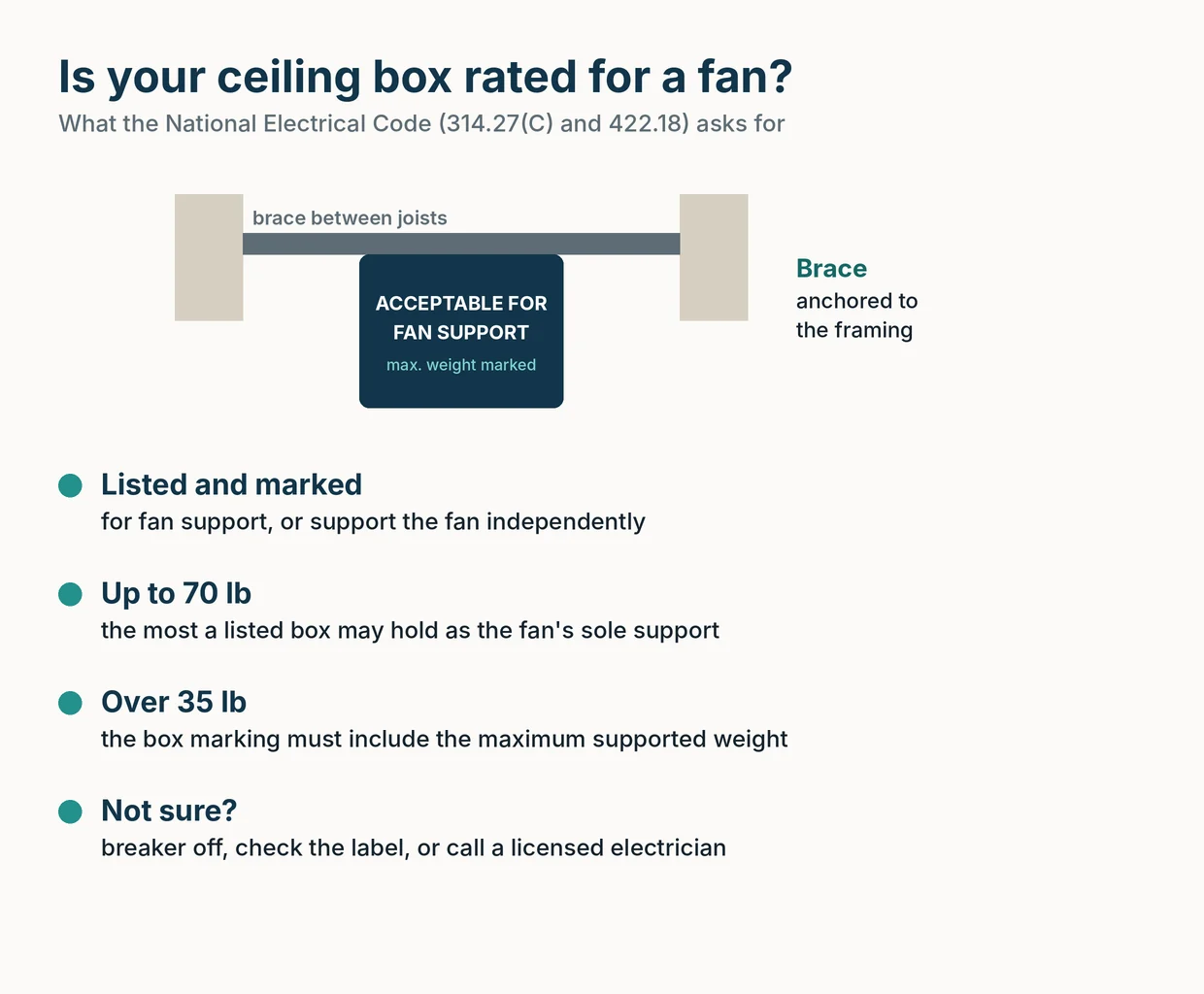
A ceiling fan needs a box listed and marked for fan support, or its own support from the framing. Here's what the code says and how to check your box.
8 min read
How-To
Ceiling Fan Speeds: Which Setting to Use for Summer, Winter and Sleep
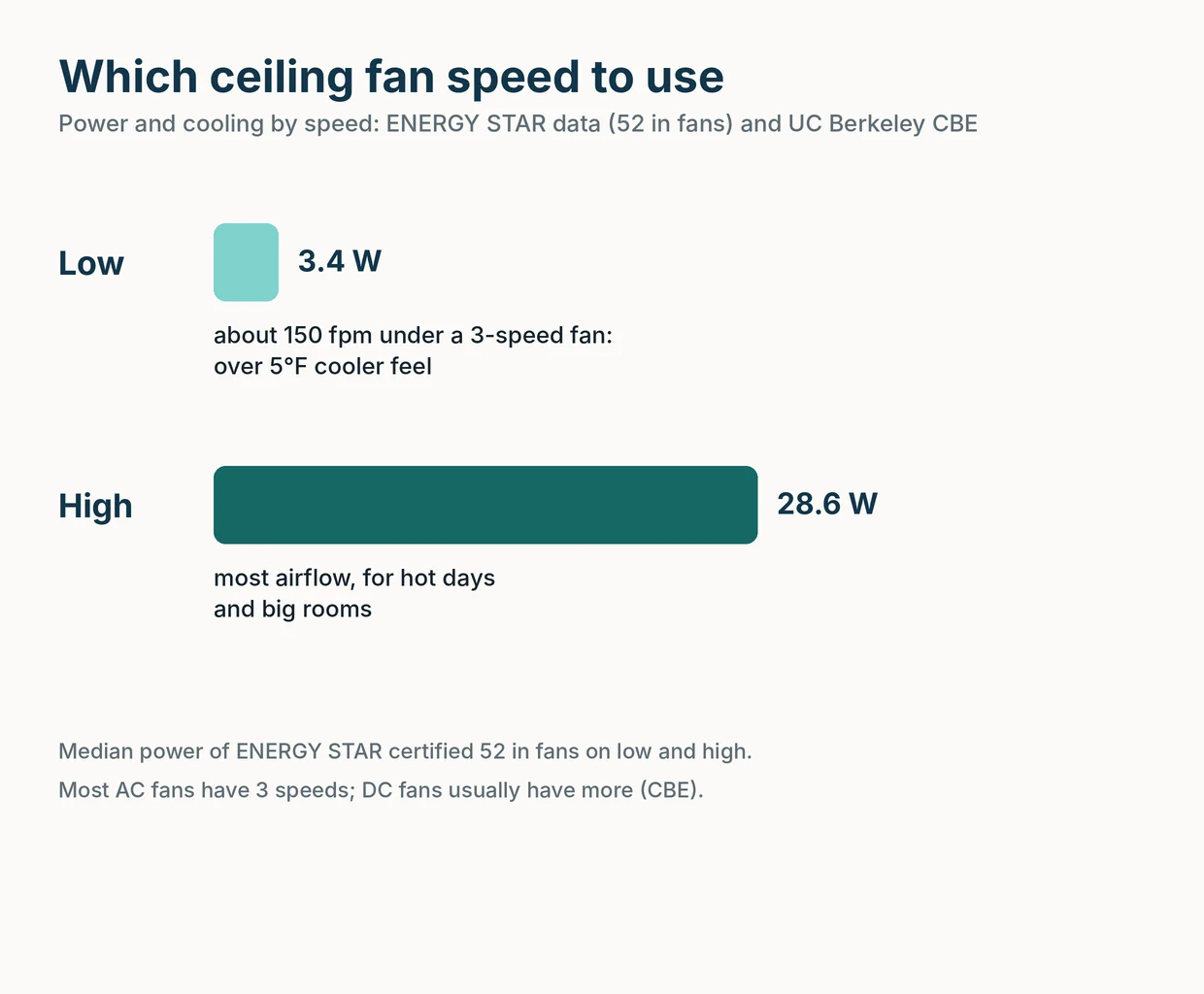
What low, medium and high really do, which ceiling fan speed to use in summer, winter and at night, and how speed changes watts, cost and noise.
8 min read
How-To
Ceiling Fan Direction: Which Way Should It Spin in Summer and Winter?
Counterclockwise in summer, clockwise on low in winter. How to check which way your fan spins, how to switch it on any fan, and how much it really helps.
8 min read