How Long Do Ceiling Fans Last? Lifespan, Warranties and Signs to Replace
The US Department of Energy estimates a ceiling fan lasts about 13 to 14 years. Here's what wears out first, what warranties cover and when to replace.
By Cool Ceiling Ideas editorial teamUpdated 8 min read
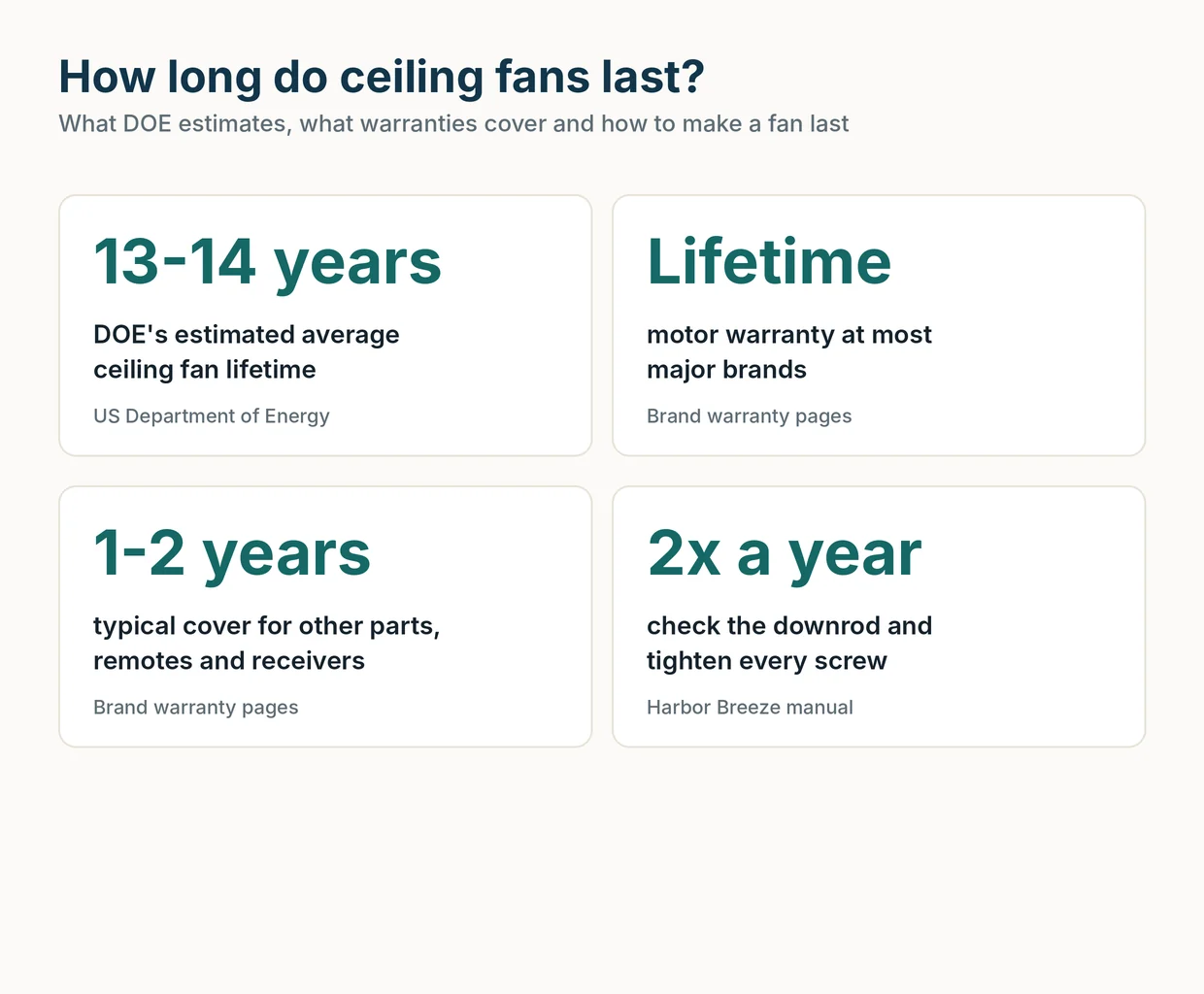
The short answer: a ceiling fan lasts about 13 to 14 years on average, according to the US Department of Energy. That’s a statistical estimate, so a well-kept fan can outlast it and a neglected one can fail early. The motor is usually the most durable part. Remotes, receivers, switches and light kits tend to carry much shorter warranties, and they’re often what you end up repairing.
What DOE says about ceiling fan lifespan
When DOE set the current efficiency standards for ceiling fans, it had to estimate how long a fan stays in service. Its figures:
- Mean lifetime: 13.8 years
- Median lifetime: 13.0 years
So half of fans are expected to be retired before about 13 years and half after. DOE used these numbers to work out lifetime operating costs, not to promise how long a particular model will run.
Note: Plenty of fans are replaced while they still work, for a new look, a remodel or a more efficient model. A lifetime estimate covers those too, so it isn’t purely a measure of when fans break.
What wears out first
A ceiling fan is a simple machine, but not every part ages at the same rate. Here’s what the research supports, part by part.
| Part | What the sources say | Typical warranty |
|---|---|---|
| Motor | Usually the longest-lived part; most brands cover it for the original owner’s lifetime | Lifetime (limited) |
| Capacitors | Hunter and Progress Lighting exclude them from motor coverage | 1 year |
| Pull-chain and reverse switches | Progress gives them 1 year; Sea Gull gives switches 90 days | 90 days to 1 year |
| Remotes and receivers | Hunter treats them as electronic controls, not motor parts | 1 year |
| LED light kits | Covered separately from the motor | 3 to 5 years |
| Blades and finishes | Progress excludes warped wood or plastic blades; coastal corrosion is often excluded | 90 days to 2 years |
Motor and bearings
The motor rarely gives out first. UC Berkeley’s Center for the Built Environment (CBE) says DC-motor fans are usually more durable than basic AC fans, thanks to better bearings and build, and that brushless DC motors last longer than older permanent-magnet DC designs.
Hunter adds one thing that does shorten motor life: prolonged wobbling, which puts extra wear on the motor and the mounting system. That’s a good reason to fix ceiling fan wobble early instead of living with it.
Capacitors, switches and controls
The parts that make a fan change speed or respond to a remote are the small electrical ones: capacitors, pull-chain and reverse switches, wall controls, remotes and receivers. Brands consistently split these off from the motor warranty and cover them for a year or less. Minka-Aire, for example, covers the motor for the life of the fan but excludes wall controls and electrical components from that term.
We couldn’t find a manufacturer or government source that gives a failure rate for capacitors or receivers, so we won’t guess one. The short warranties tell you the makers don’t expect these parts to last as long as the motor.
DC electronics: the open question
DOE’s analysis assumed that 2.5% of AC-motor fans and 9% of DC-motor fans need a repair, on the reasoning that a DC fan’s extra electronics make it less reliable. DOE also noted that brushless DC was still fairly new in ceiling fans, so reliability problems might only show up as installed fans age.
That 9% is a modeling assumption, not measured field data, and efficiency advocates disputed it for lack of evidence. CBE’s view is the opposite: DC fans are usually the more durable ones. In our view, neither side has hard numbers, so we’d let the warranty and the brand’s parts support guide you more than the motor type. Our AC vs DC ceiling fans guide covers the other trade-offs.
Warranty length as a signal
A warranty doesn’t tell you how long a fan will last, but it does show what the maker is willing to stand behind. Here’s how the major brands split their coverage, from their warranty pages and manuals.
| Brand | Motor | Other parts |
|---|---|---|
| Hunter | Limited lifetime | 1 year; remotes, receivers and capacitors 1 year |
| Casablanca | Limited lifetime | 1 year parts and controls; LED modules 5 years |
| Minka-Aire | Lifetime of the fan (not controls or electrical parts) | 1 year |
| Westinghouse | Lifetime on Limited Lifetime models | 2 years |
| Home Decorators Collection | Lifetime (original purchaser) | 2 years |
| Hampton Bay | Lifetime (original purchaser) | 1 year |
| Kichler | As long as the original buyer owns it | LED 5 years; other parts 1 year |
| Modern Fan Co. | Lifetime dry, 10 years damp | Light kits 3 years; parts and controls 1 year |
A few patterns stand out:
- “Lifetime” usually means the original buyer’s ownership. It doesn’t transfer when you sell the house.
- Labor is usually excluded. Hunter, for example, doesn’t cover electrician fees.
- Location matters. Modern Fan Co. drops to 10 years in damp locations, and Kichler and Progress exclude finish corrosion within 10 miles of a body of water.
We’d treat a short motor warranty, or one that “varies by model”, as a reason to read the fine print before you buy.
How to make a ceiling fan last longer
Most of what keeps a fan running well is basic upkeep. None of it takes long.
- Dust regularly. Hunter suggests dusting every 1 to 3 months and a deeper clean every 3 to 6 months, more often in kitchens or homes with pets. Use light pressure, since pressing too hard can knock a blade out of balance.
- Keep moisture out. Spray cleaner onto a cloth, never onto the fan, so it stays out of the motor and light kit. Some manuals, like Harbor Breeze’s, say not to use water at all.
- Check the hardware twice a year. A Harbor Breeze manual says to lower the canopy at least twice a year, check the downrod assembly and tighten all screws.
- Fix wobble when it starts. Tighten blade screws first, then balance with the clip-and-weight kit that comes with many fans.
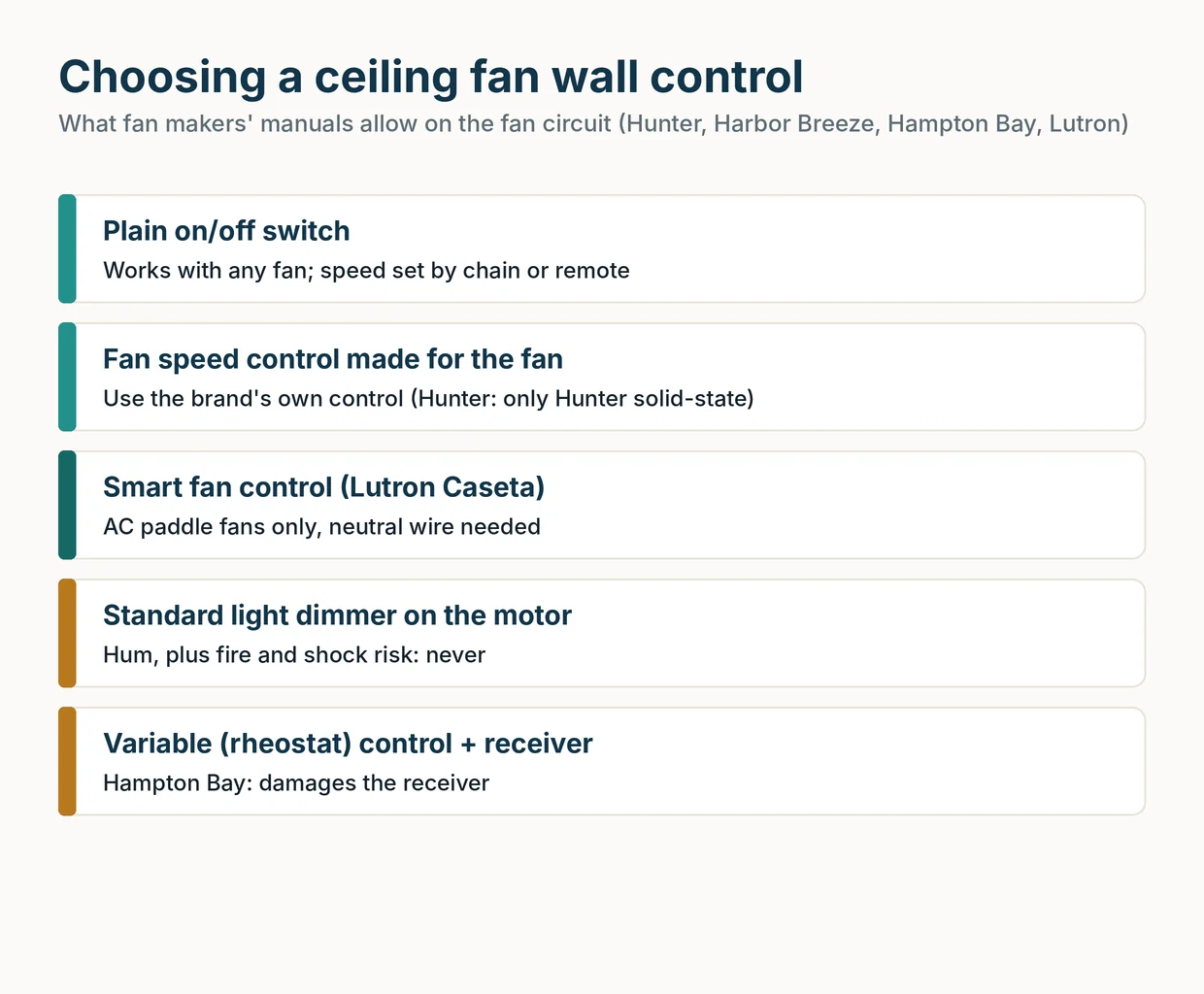
- Use the right controls. Hunter says a standard light dimmer on a fan circuit often causes humming, and Harbor Breeze warns that a full-range dimmer is a fire and shock risk. Use the control your fan’s manual approves.
- Replace remote batteries before they leak. Hampton Bay notes that old batteries can leak and damage the remote.
Important: Turn off power at the circuit breaker, not just the wall switch, before you lower the canopy or touch any wiring. The fan must hang from a fan-rated box, and if you’re unsure about anything inside the canopy, call a licensed electrician.
Repair or replace? Signs it’s time
Many problems that make a fan feel “worn out” are cheap fixes, so rule out the simple causes first.
| Symptom | Try first | Replace if |
|---|---|---|
| Wobble | Tighten screws, clean, balance the blades | A blade is warped or cracked, or the mount moves |
| Clicking | Tighten blade and blade-holder screws | It continues with all hardware tight |
| Humming | Swap a light dimmer for a fan-rated control | Hum remains after ruling out controls, bulbs and wiring |
| Remote stops working | New batteries, re-pair, check the receiver | The remote or receiver is dead and no matching part exists |
| Crackling or burning smell | Turn power off at the breaker immediately | An electrician finds damaged switch housing or wiring |
| Fan is on a recall list | Follow the CPSC remedy | The remedy is a refund or replacement |
Noise that won’t go away
Hunter lists loose screws, upside-down blade holders and wall dimmers as the usual noise sources, and points to a defective motor only after you’ve ruled out everything else. A cracked blade is another cause, and Hunter says to replace all the blades if one is cracked.
Crackling, sizzling or a popcorn-like burning smell is different. Hunter says to turn the power off immediately, because the switch housing or wire harness needs replacing, and wiring repairs belong to a licensed electrician.
Remote or receiver failure
If none of that helps, the remote or receiver may need replacing. A DC-motor fan needs a remote and receiver made for that fan, so if the original parts are gone, replacement may make more sense.
Recalls
CPSC announced eight ceiling fan recalls between January 2020 and October 2026, and most involved blades or blade holders breaking or detaching. Stop using a recalled fan and follow the remedy the notice gives.
When we’d replace
We’d replace a fan when the mount or box moves, a blade is cracked and parts aren’t available, the motor stays noisy with everything else ruled out, or it’s on a recall list with a replacement or refund remedy.
Frequently asked questions
How long does a ceiling fan last on average?
The US Department of Energy estimated an average ceiling fan lifetime of 13.8 years, with a median of 13.0 years. That's a planning estimate DOE used for its energy standards, not a guarantee for any one fan.
Do DC ceiling fans last longer than AC fans?
The evidence points both ways. UC Berkeley's Center for the Built Environment says DC fans are usually more durable thanks to better bearings and build, while DOE assumed DC fans need repair more often because of their electronics. Efficiency advocates disputed DOE's assumption for lack of data.
Is a lifetime motor warranty really for life?
Usually it's for as long as the original buyer owns the fan, and it covers the motor only. Hunter, for example, excludes remotes, receivers and capacitors from the motor coverage and gives them 1 year.
Is it worth repairing an old ceiling fan?
Often, yes, when the problem is loose hardware, dust, a dead remote battery or a lost pairing. Replacement makes more sense when a blade is cracked, the fan is on a recall list, the mount moves, or the motor is still noisy after you've ruled out the simple causes.
How often should you service a ceiling fan?
Hunter suggests dusting every 1 to 3 months and a deeper clean every 3 to 6 months. A Harbor Breeze manual adds a check of the downrod and every screw at least twice a year, with the power off at the breaker.
What are the signs a ceiling fan is going bad?
Watch for wobble that keeps coming back, humming or grinding with no outside cause, a remote or receiver that fails after you've replaced batteries and re-paired it, and any crackling sound or burning smell. Crackling or a burning smell means turn the power off at the breaker right away.
Related guides
Buying Guides
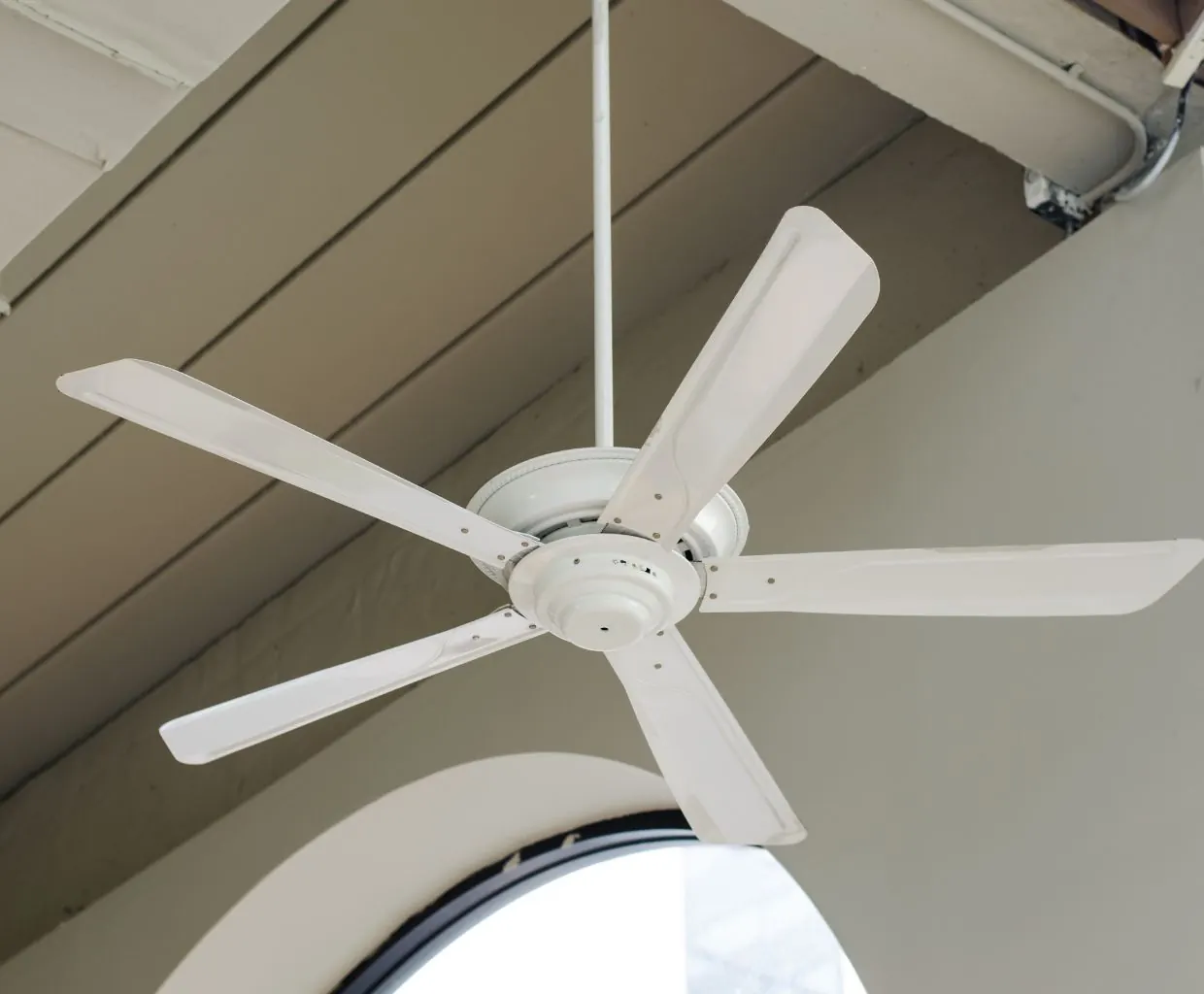
AC vs DC Ceiling Fans: Which Should You Buy?
DC fans use far less power, have more speeds and run quieter; AC fans cost less and keep things simple. Here's how to choose.
7 min read
Buying Guides
Best Ceiling Fan Brands in 2026: 16 Brands Compared
16 ceiling fan brands compared on motor warranty, DC and smart options, price and who owns them now, plus the warning signs of brands to avoid.
15 min read
Buying Guides
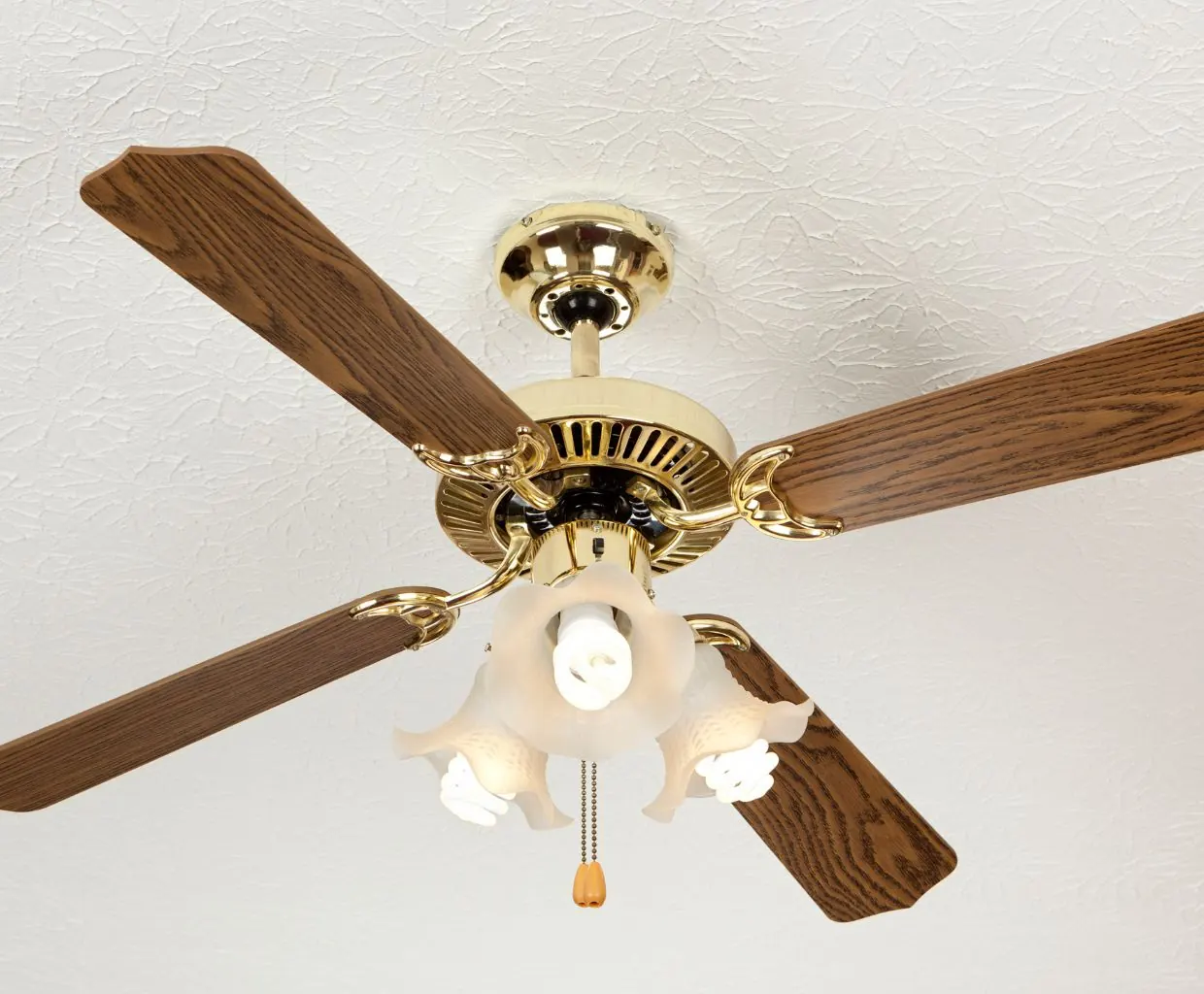
Ceiling Fan Motor Types: AC Induction vs Brushless DC Explained
Which motor is in a ceiling fan, how AC induction and brushless DC motors differ, and how efficiency, speeds, noise and standby power compare.
7 min read
Buying Guides
Ceiling Fan Wall Control: Speed Controls, Dimmers and Smart Switches
Which wall control can safely run your ceiling fan: plain switches, fan speed controls, fan/light controls and smart switches, and why a light dimmer never belongs on a fan.
7 min read